Pull requests from your phone.
Lotse is a coding agent for your GitHub repositories.
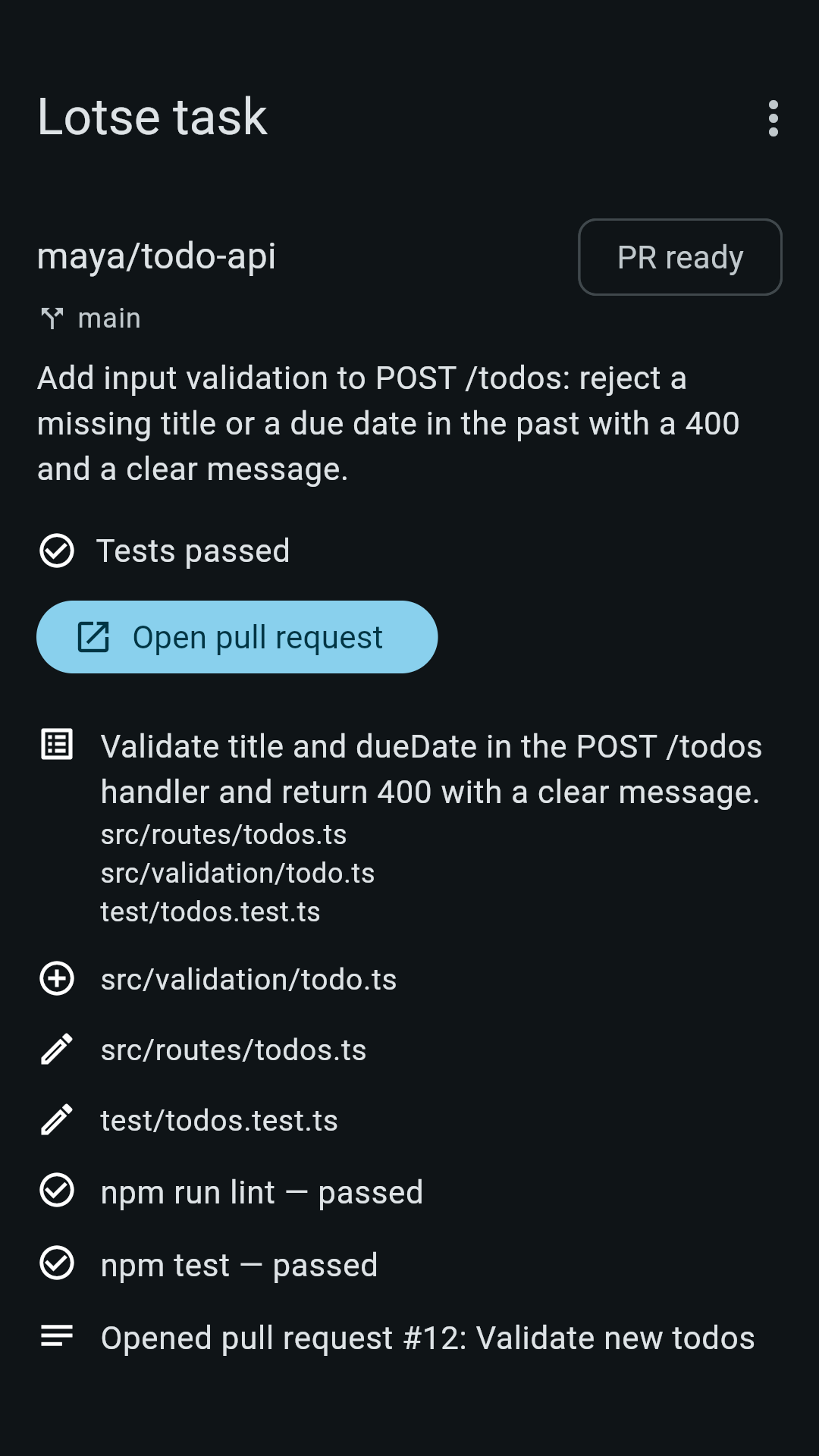
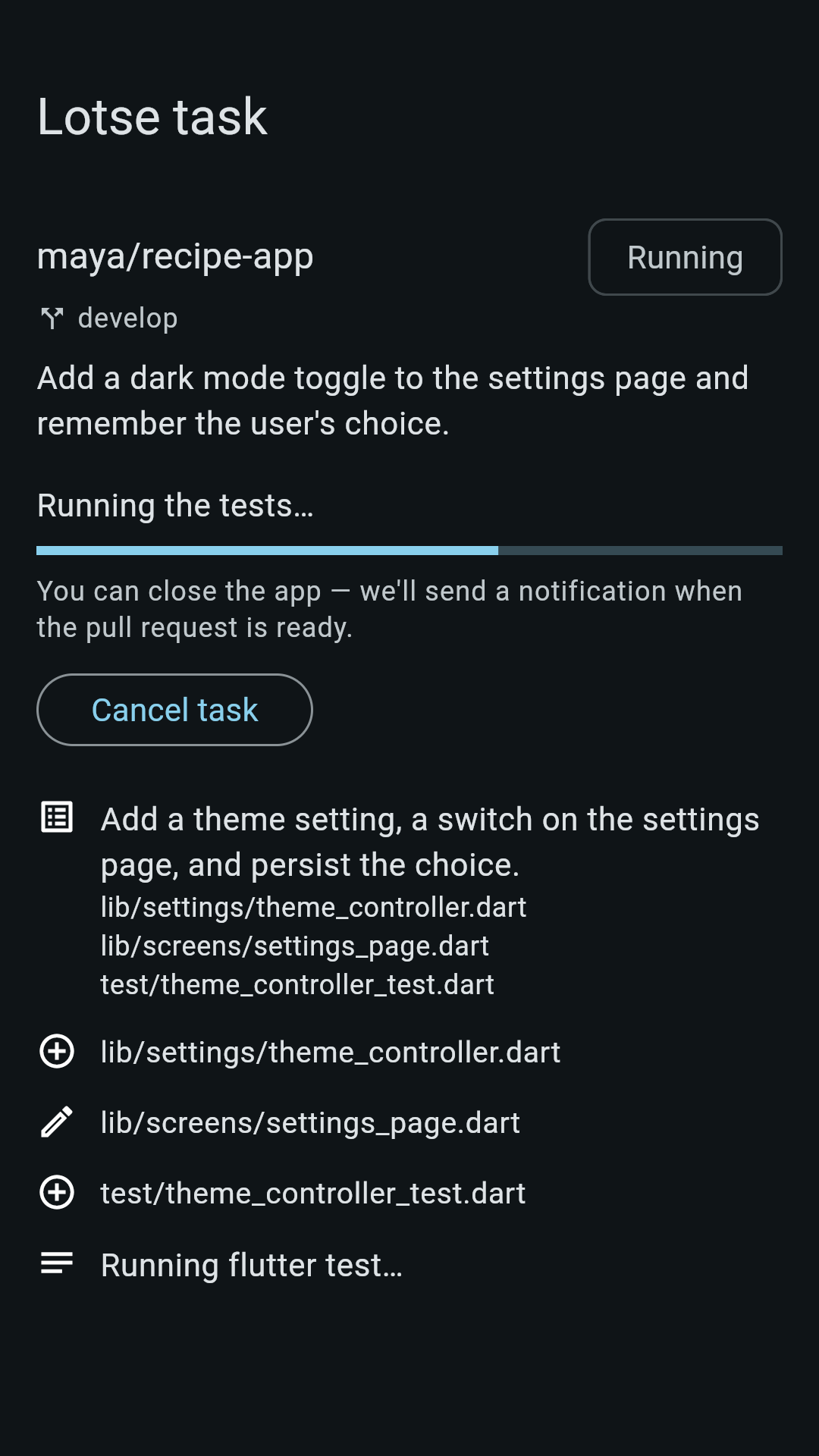
Describe a change on your phone. Lotse works on it in the cloud, runs your tests and opens a pull request for you to review, even when the app is closed. You get a push when it's ready.
How it works
- Connect GitHubSign in and install the GitHub App "Lotse Agent". It only sees the repositories you select.
- Describe the changePick a repo and write what you want: a bug fix, a missing test, a small feature.
- Close the appThe task runs in the cloud. Small changes usually take a few minutes.
- Review the pull requestIt shows the test result honestly, also when tests fail. Merge it or send it back.
What you get
- Pull requests on your own repos. Nothing is merged without you.
- Your tests run. JavaScript/TypeScript, Python, Go, Rust, Java/Kotlin and Flutter/Dart, including monorepos.
- A live log of what the agent is doing.
- A push notification when a task is finished.
- You stay in control. You choose which repositories Lotse can access and can remove access on GitHub at any time.
Lotse works best on small, well-defined changes. Repositories that need a database or a browser to test, and Android, Ruby, PHP or .NET projects, are limited. Lotse says so in the pull request.
Free or Pro
Free
- Free while capacity lasts
- A daily task limit that resets every day
- Ads in the app
Lotse Pro (monthly or yearly)
- Higher daily task limits
- No ads
- More AI prompt improvements
The current limits are shown in the app. Lotse Pro is an auto-renewing subscription billed by Google Play or the App Store; cancel any time in your store's subscription settings.
AI and your data
Before your first task the app asks for your consent: your task description and the repository code are sent to AI model providers via OpenRouter to do the work. AI output can be wrong, so always review a pull request before you merge it. Details are in the privacy policy.
Formerly Jules Console
Lotse is the new name of Jules Console. Same app, same account, and your Pro subscription carries over. Google ends Jules on December 31, 2026; if you used Jules in this app, your sessions stay viewable until then.